
AttendanceMy attendance
Check in and check out
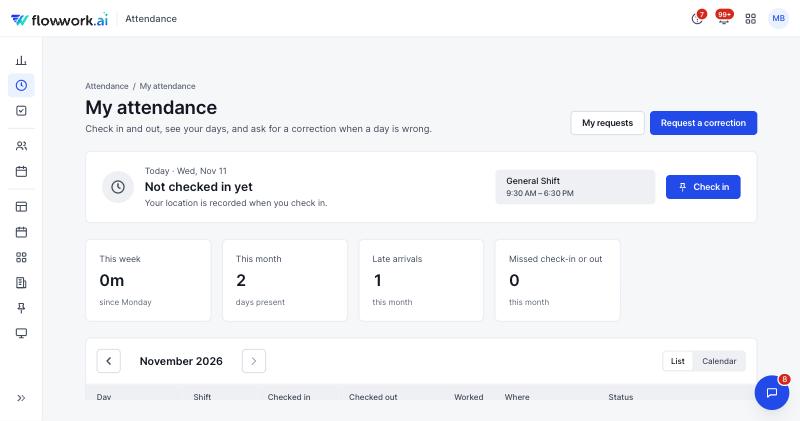
The Today card at the top of My attendance is where you check in when you start work and check out when you stop. It also shows today's shift and how long you've worked so far.
Before you start
- You need an employee record in People. Without one, the card shows Check-in needs an employee record and there's no button. Ask your HR team to add you.
- Your browser must be allowed to share your location. Check-in and check-out both send it.
Check in
- Go to Attendance › My attendance.
- On the Today card, select Check in.
- If your browser asks to share your location, allow it.
You'll see "Checked in at" and the time, with the place where you checked in. The card then shows Checked in at your time and how long you've worked so far. It updates every 30 seconds.
Read the full guide with your flowwork account
The rest of this page has the steps, screenshots and tips. Anyone at a company that uses flowwork can read every page, and ask the Help assistant about it.
Every step, in order Real screenshots The agents that help
New companies use flowwork free until 31 December 2026