
AttendanceSetup
Set up weekly offs
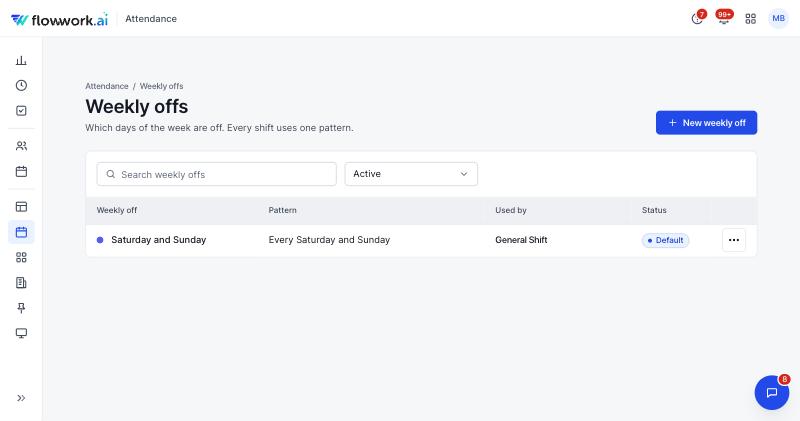
A weekly off is a pattern of days off: every Sunday, the 2nd and 4th Saturday, a Saturday afternoon and so on. Every shift uses one pattern, and one pattern is the company default.
Before you start
- You need attendance management access.
- Find the page under Attendance › Setup › Weekly offs.
- Make your weekly offs before your shifts: a shift can't be saved without one.
Add a weekly off
- Select New weekly off.
- Enter a Name, pick a Colour and, if you like, a Description.
- Set the Pattern in the grid (see below). It starts with every Saturday and Sunday off.
- Check the Summary, for example "Every Sunday; 2nd and 4th Saturday".
- Select Add weekly off.
The first weekly off you add becomes the company default.
Read the full guide with your flowwork account
The rest of this page has the steps, screenshots and tips. Anyone at a company that uses flowwork can read every page, and ask the Help assistant about it.
Every step, in order Real screenshots The agents that help
New companies use flowwork free until 31 December 2026