
RecruitOffers
Make an offer (New offer)
Prepare an offer on one screen: pay, joining date, letter, email and approval. The candidate doesn't need to have been invited to an interview first. Nothing reaches the candidate until you send it.
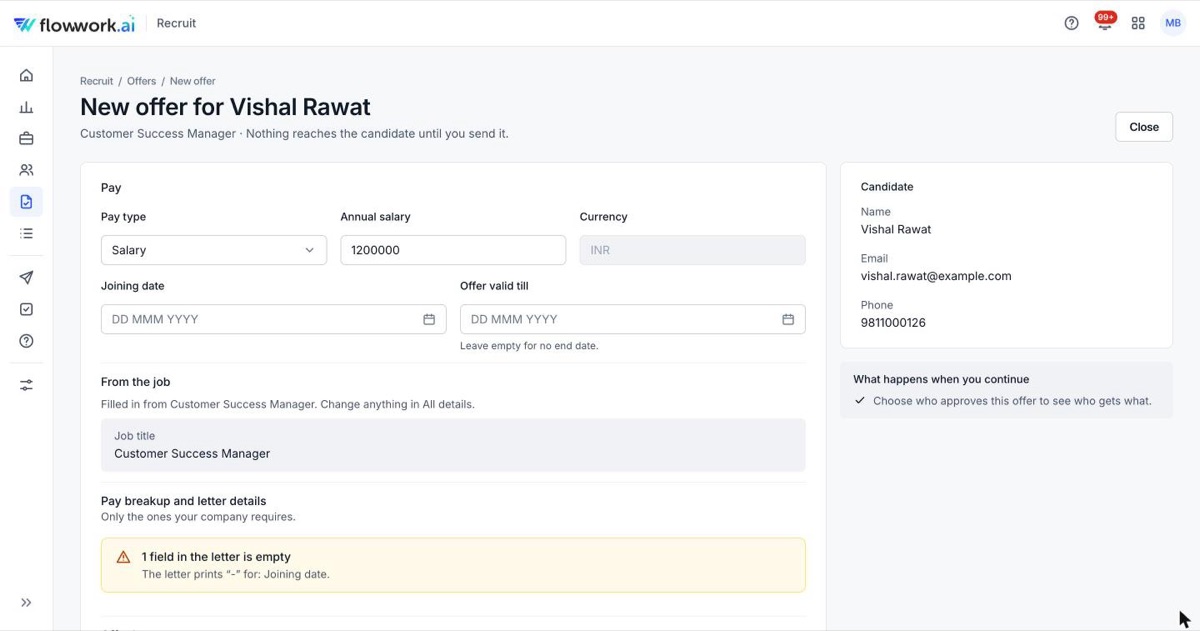
Before you start
- You need permission to create offers, and offers must be turned on for your company. If you don't see Offers in the Recruit menu, ask your admin.
- Your admin sets up offer templates (Recruit › Settings › Offer templates) and, if offers need approval, offer approval flows (Recruit › Settings › Offer approvals).
Start the offer
You can start from:
- Recruit › Offers › New offer,
- a candidate's profile (New offer),
- a job's Candidates or Prospects tab (New offer on the candidate's row), or
- Final status and offer in an interview review, by choosing Offer Draft.
From the Offers page, a New offer panel opens:
- Under Candidate, search by name, email or phone. Inactive candidates are listed too, marked Inactive; continuing makes them active again. For someone who isn't in Recruit yet, select Add a new candidate and enter their name, email and 10-digit phone. If that email already belongs to a candidate, select Use this candidate to make the offer to them.
- Choose the Account (if your company has more than one) and the Job.
- Select Continue.
You'll see a note if:
- the candidate already has an offer for this job. Select Open offer to carry on with it.
- the candidate isn't on the job yet. They're added without an invitation, and no email goes out.
- the candidate was rejected earlier and is in a cool-down. You can still make the offer.
Offers can't be made to blacklisted candidates, or to someone already hired on that job.
Read the full guide with your flowwork account
The rest of this page has the steps, screenshots and tips. Anyone at a company that uses flowwork can read every page, and ask the Help assistant about it.
Every step, in order Real screenshots The agents that help
New companies use flowwork free until 31 December 2026