
RecruitStart here
The Recruit dashboard and Needs my action
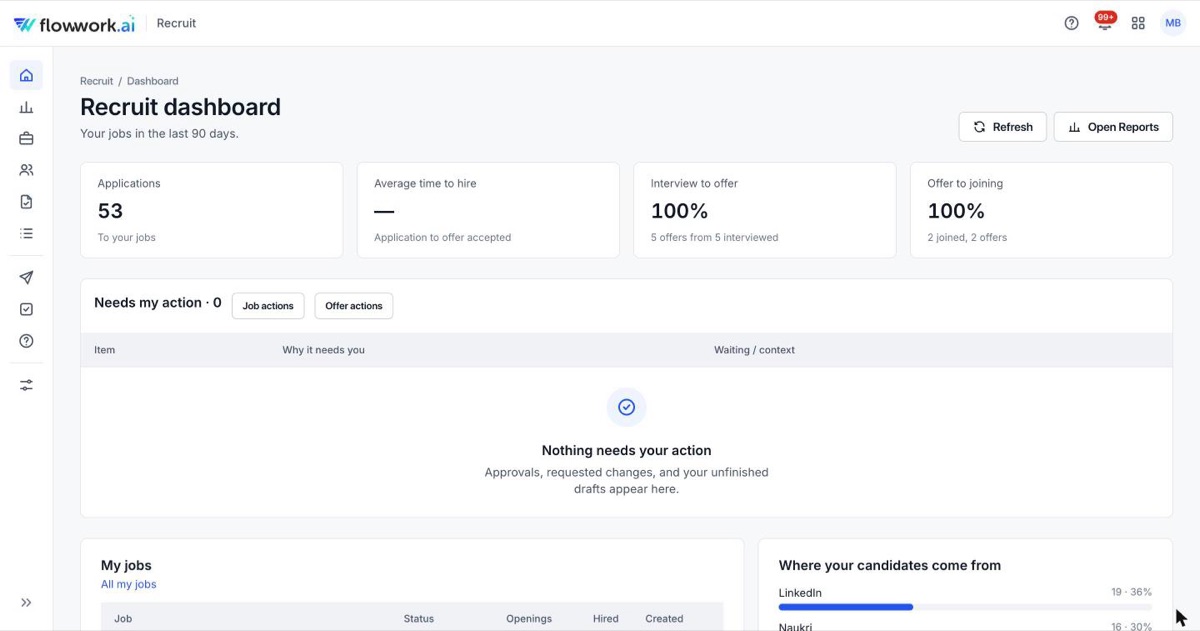
The dashboard is your own view of hiring: the jobs assigned to you, how they did in the last 90 days, and what's waiting for you. Everyone in your company can open it.
Open it
Go to Recruit › Dashboard.
Read the full guide with your flowwork account
The rest of this page has the steps, screenshots and tips. Anyone at a company that uses flowwork can read every page, and ask the Help assistant about it.
Every step, in order Real screenshots The agents that help
New companies use flowwork free until 31 December 2026