
HelpdeskSetup
Statuses, priorities and types
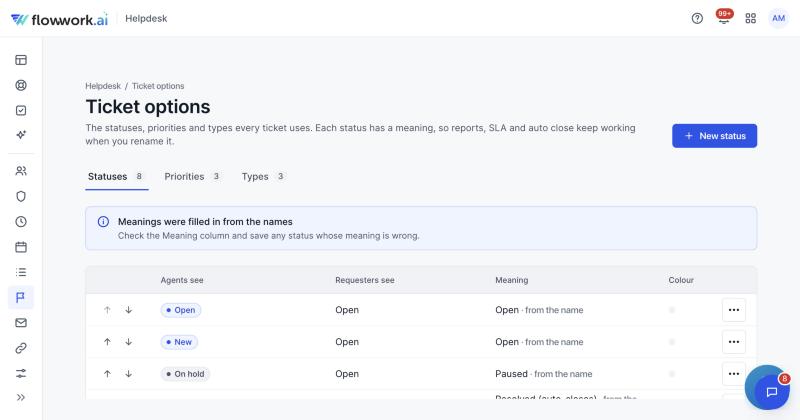
Ticket options holds the lists every ticket uses: statuses, priorities and types. Each status has a meaning, so reports, emails and auto close keep working when you rename it.
Before you start
- You see Ticket options under Setup if you have the helpdesk administration permission or the helpdesk Admin role.
- The default lists are added when Helpdesk is set up for your company.
Add or edit a status
- In Helpdesk, select Ticket options. The Statuses tab opens.
- Select New status, or select a status to edit it.
- In Agents see, type the name agents see, for example "Waiting on vendor".
- Optionally type Requesters see. Leave it empty to use the same name.
- Pick the Meaning (see below) and a Colour.
- Select Save.
Read the full guide with your flowwork account
The rest of this page has the steps, screenshots and tips. Anyone at a company that uses flowwork can read every page, and ask the Help assistant about it.
Every step, in order Real screenshots The agents that help
New companies use flowwork free until 31 December 2026