
ChatMessages
React, edit, delete, star and copy
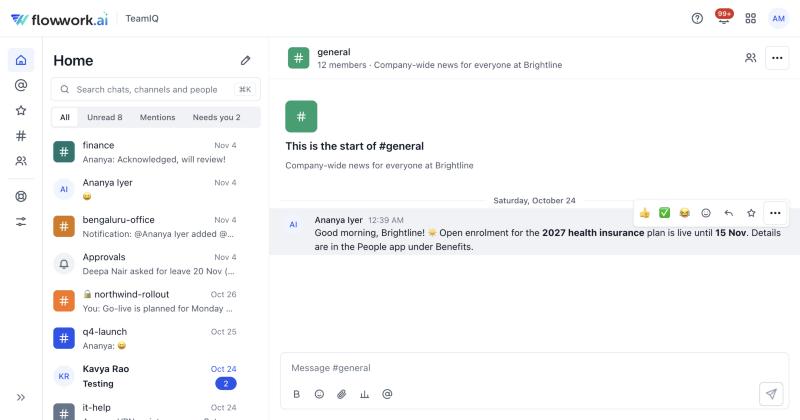
Point at any message to see its action bar: quick reactions, reply in a thread, star, and ⋯ for more. On your own messages you can also edit and delete.
Before you start
- Everyone can react to, star and copy messages they can read.
- You can edit and delete only your own messages. Nobody, not even a channel admin, can edit or delete someone else's.
React
- Point at the message.
- Select 👍, ✅ or 😂, or Add reaction for any emoji.
Reactions show under the message with a count. Select one to add yours, or select it again to take yours back.
Read the full guide with your flowwork account
The rest of this page has the steps, screenshots and tips. Anyone at a company that uses flowwork can read every page, and ask the Help assistant about it.
Every step, in order Real screenshots The agents that help
New companies use flowwork free until 31 December 2026