
ChatMessages
Send a message
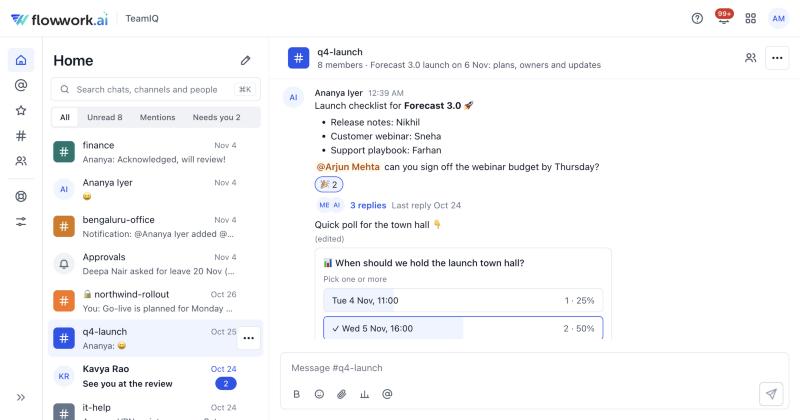
You write in the box at the bottom of a conversation. You can format text, add emoji, mention people, attach files, start a poll and use a few quick commands. Chat keeps what you haven't sent yet, so you can switch conversations and come back to it.
Before you start
- You can post in direct chats and groups you're in, and in channels you're a member of. Nobody can post in an archived channel.
- Bot conversations, like Approvals, are read-only: Approvals and updates are posted here automatically.
Write and send
- Open the conversation and select the box (Message #channel or Message
). - Type your message.
- Press Enter to send. Press Shift+Enter for a new line.
Web addresses you type become links. Every link opens in a new tab.
Read the full guide with your flowwork account
The rest of this page has the steps, screenshots and tips. Anyone at a company that uses flowwork can read every page, and ask the Help assistant about it.
Every step, in order Real screenshots The agents that help
New companies use flowwork free until 31 December 2026