
TimesheetsTeam and approvals
Team time: your team's hours and timesheets
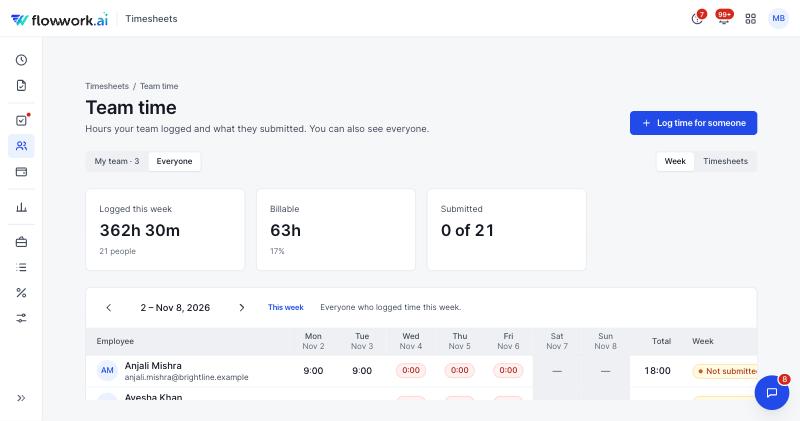
Team time shows what your direct reports logged each day and what they submitted. People who can see everyone's timesheets can switch to the whole company. With the right permission you can also log time for someone who couldn't do it themselves.
Before you start
- Team time is for people with direct reports in People, and for people who can see everyone's timesheets. Without either, it isn't in the menu, and the page says it isn't for you.
- Log time for someone needs permission to log time for other people. Without it, the button isn't shown, and the server refuses with "You need permission to log time for other people."
Open it
Go to Timesheets › Team › Team time.
- View: choose Week for hours per day, or Timesheets for their timesheets.
- Whose time (only if you can see everyone): My team or Everyone.
Read the full guide with your flowwork account
The rest of this page has the steps, screenshots and tips. Anyone at a company that uses flowwork can read every page, and ask the Help assistant about it.
Every step, in order Real screenshots The agents that help
New companies use flowwork free until 31 December 2026