
PerformanceReview cycles
Track progress and send reminders
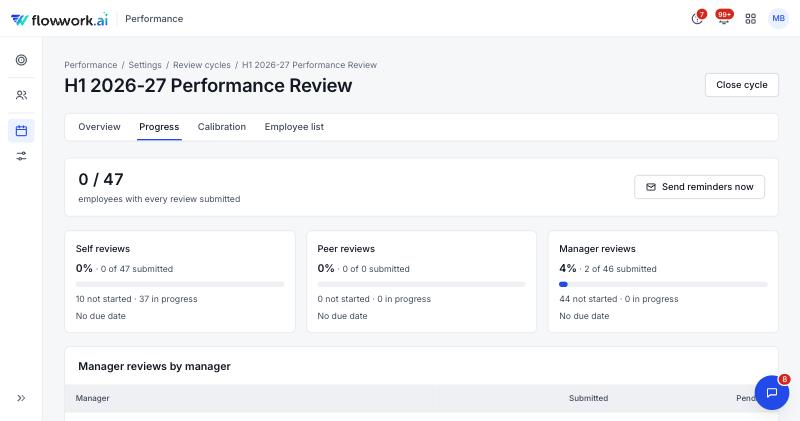
Once a review cycle has started, the Progress tab shows who has submitted their reviews and who is still waiting. From there you can send everyone with an open review a reminder. People also get reminders by email and in the bell on their own, every day at 9:00 India time.
Before you start
- You need the permission to manage performance cycles (
allow_manage_performance_cycles). Without it, Review cycles doesn't show in the menu. - The cycle must have been started with Initiate. Before that the tab says "Progress appears once the cycle has been started."
- Send reminders now shows only while the cycle is running. A closed cycle can't send reminders.
Open the Progress tab
- Go to Admin › Review cycles and open the cycle.
- Select the Progress tab.
Read the full guide with your flowwork account
The rest of this page has the steps, screenshots and tips. Anyone at a company that uses flowwork can read every page, and ask the Help assistant about it.
Every step, in order Real screenshots The agents that help
New companies use flowwork free until 31 December 2026