
PerformanceTeam performance
Write a manager review
As a manager, you write a review of each reportee in a running review cycle. You see their self review next to your own answers, rate their goals, competencies and KRAs, and submit when you're done.
Before you start
- You can write a manager review when you're one of the employee's managers in the cycle. Managers come from People (reporting manager and additional reporting managers) when HR starts the cycle.
- The cycle must be running, and today must be within the Manager assessment period (both days count, India time).
- You don't need a permission.
Open the review
Use any of these:
- My performance › My reviews: select Open on Manager review of the person.
- Team performance › My reportees: select the person, then View review.
- The bell or email you get when the employee submits their self review.
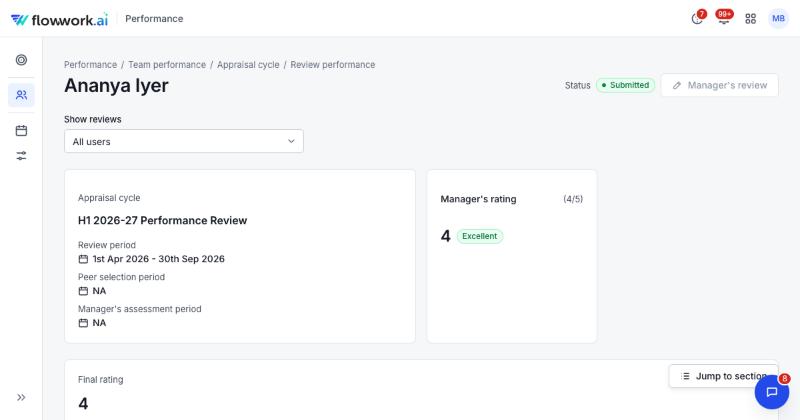
The page shows the employee's name, your review's Status, and the button Manager's review.
Read the full guide with your flowwork account
The rest of this page has the steps, screenshots and tips. Anyone at a company that uses flowwork can read every page, and ask the Help assistant about it.
Every step, in order Real screenshots The agents that help
New companies use flowwork free until 31 December 2026