
PerformanceSettings
Make question templates
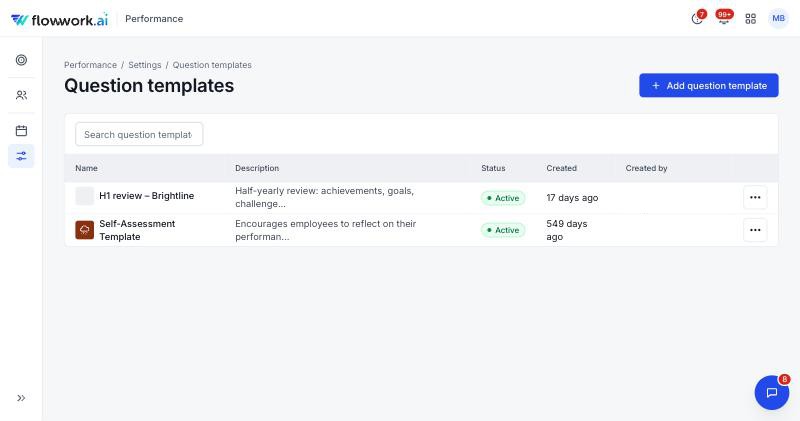
A question template is a set of questions from your question library. Every review cycle uses one question template: its questions are what people answer in the questions part of their review.
Before you start
- You need the permission to manage performance cycles.
- Find the page under Settings › Templates › Question templates.
- Add the questions to the question library first. A template can only use questions that are already there.
Create a question template
- Select Add question template.
- In Basic details, enter the Question template name. Pick an Icon and a Color for the list, add a Description if you like, and set Status.
- Select Next.
- In Questions, select Add question.
- In Select question, search and tick the questions you want. The box at the top ticks every question on the page. Use the pages at the bottom to see more.
- Select Select questions.
- To take a question out again, select the bin icon on it and confirm with Delete.
- Select Save.
You need a name and at least one question to save.
Read the full guide with your flowwork account
The rest of this page has the steps, screenshots and tips. Anyone at a company that uses flowwork can read every page, and ask the Help assistant about it.
Every step, in order Real screenshots The agents that help
New companies use flowwork free until 31 December 2026