
WorkspaceDocs
Docs
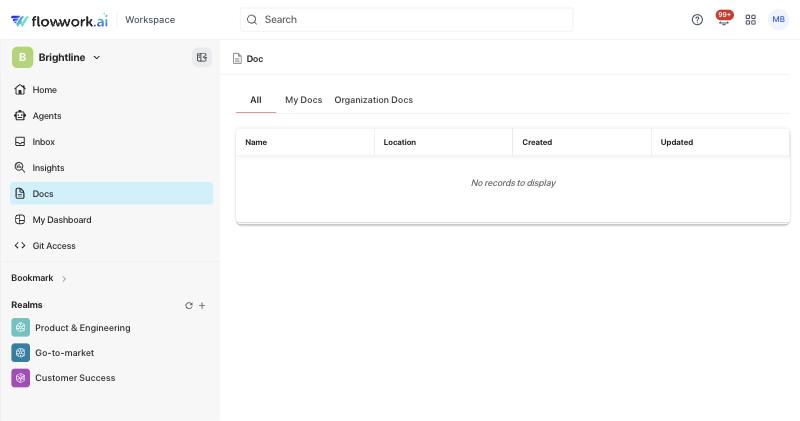
Docs are rich pages you write inside Workspace: specs, meeting notes, how-tos, release notes. Each doc lives in a bucket, folder or sprint suite of a realm, can have subpages, and can link to tasks and lists. The Docs item in the sidebar lists the docs you can find across your company.
Before you start
- You need to be a member of the realm where you want to add a doc. See Members and teams.
- A doc is created inside a bucket, folder or sprint suite. You can't add a doc straight to a realm's top level from the sidebar.
Create a doc
- In the sidebar, hover over a bucket, folder or sprint suite and select the + (Add) button.
- Select Document.
- Type a name for the doc and select Select template.
- Pick a template from the list, or search with search templates..., then select Create.
The doc opens. Start typing below the title. Your changes save as you type; there's no Save button.
Read the full guide with your flowwork account
The rest of this page has the steps, screenshots and tips. Anyone at a company that uses flowwork can read every page, and ask the Help assistant about it.
Every step, in order Real screenshots The agents that help
New companies use flowwork free until 31 December 2026