
WorkspaceInbox, Insights and My Dashboard
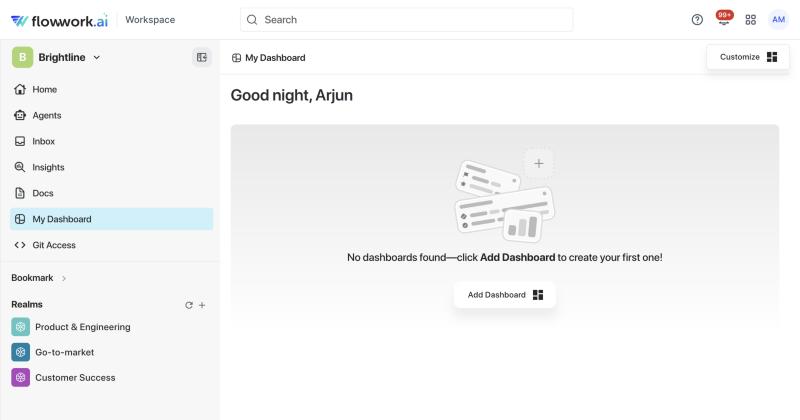
My Dashboard
My Dashboard is your own page of widgets: counts of your overdue and open tasks, tables of what needs attention, a calendar, workload and milestone charts. You can keep several dashboards as tabs, for example one for your own work and one for a team's lists.
Before you start
- Everyone in Workspace has My Dashboard. The first time you open it, a dashboard called "Default" is made for you.
- Your dashboards are yours. Other people don't see them, and there's no way to share one.
Add widgets to a dashboard
- In the sidebar, select My Dashboard.
- Select Customize. The Customize Dashboard drawer opens.
- Find a widget, or type in Search widgets.
- Drag the widget onto the dashboard. On a phone, tap it instead.
To move a widget, drag it by its header. To remove it, open the widget's ⋮ menu and select Remove Widget.
Read the full guide with your flowwork account
The rest of this page has the steps, screenshots and tips. Anyone at a company that uses flowwork can read every page, and ask the Help assistant about it.
Every step, in order Real screenshots The agents that help
New companies use flowwork free until 31 December 2026