
WorkspaceSettings
Custom and platform fields
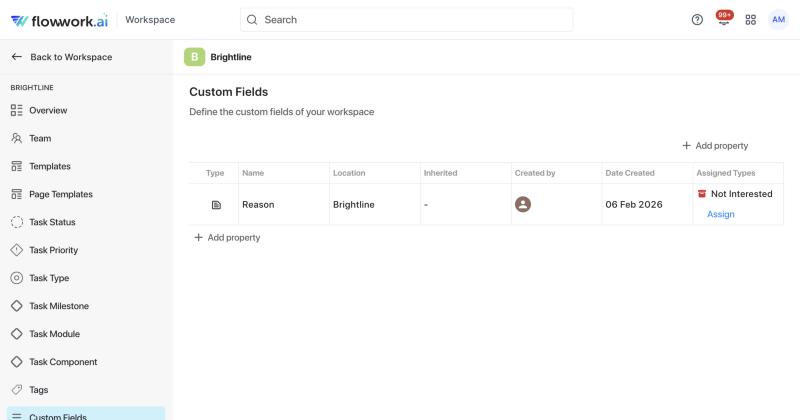
Tasks come with built-in fields, such as status, assignees and due date. These are the platform fields. You can add your own custom fields too, such as a customer name, an amount or a rating. Fields you add in the workspace settings show on tasks in every realm of the workspace.
Before you start
- You need the Manage workspace permission to open the workspace settings. See Workspace settings.
- A realm, folder or list can also add fields of its own. Those show in this table with their Location, but you change them where they were made.
Add a custom field
- In the workspace settings, select Custom Fields.
- Select Add property, then Create Field.
- Pick the kind of field from the list. You can type in Search... to find it.
- The field is added with the kind as its name, for example "Number". A small panel opens next to it.
- In the panel, type the field's name, for example "Contract value", and press Enter.
- For Select and Multi Select, add the options people can choose from in the same panel.
The field is saved at once and shows as a new row in the table.
Read the full guide with your flowwork account
The rest of this page has the steps, screenshots and tips. Anyone at a company that uses flowwork can read every page, and ask the Help assistant about it.
Every step, in order Real screenshots The agents that help
New companies use flowwork free until 31 December 2026