
WorkspaceTasks
Views of your tasks
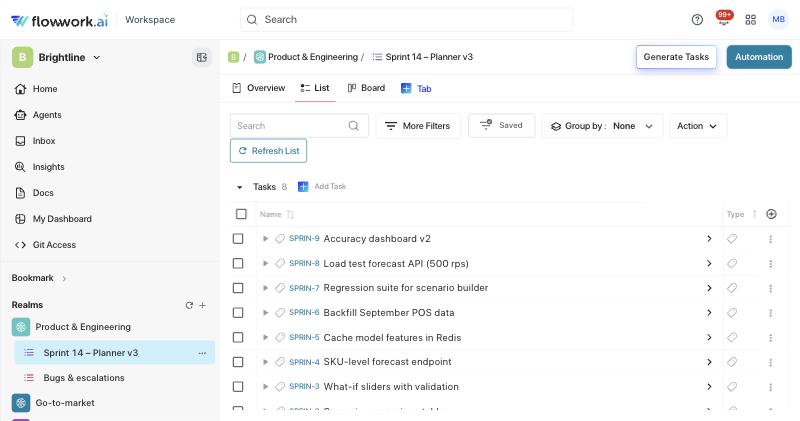
When you open a realm, folder, list or sprint, its tasks show in tabs across the top, such as a List, a Board or a Calendar. Each tab is a view of the same tasks. You can add more tabs, rename them, share a list view with a colleague and pick which tab opens first.
Before you start
- You see the tasks of the realms, folders and lists you can open. See Who can do what.
- Your tabs are your own. Adding, renaming or deleting a tab changes only your view of the item, not your colleagues'.
The tabs on a realm, folder or list
- A realm, bucket or folder always has Structure and Overview tabs. A list or sprint always has Overview. See Realms and their structure.
- A new realm, folder or list usually also gets List, Board, Dashboard, Gantt, Calendar, Whiteboard and File tabs from its template.
- The tab that opens first is the one marked as the default. If none is marked, a list opens on Overview and a realm or folder on Structure.
Read the full guide with your flowwork account
The rest of this page has the steps, screenshots and tips. Anyone at a company that uses flowwork can read every page, and ask the Help assistant about it.
Every step, in order Real screenshots The agents that help
New companies use flowwork free until 31 December 2026