
CRMAgents in CRM
Lead qualifier
For salespeople, sales managers and CRM admins. The Lead qualifier scores your leads out of 100 against who each of your products is for, and shows why. It finds leads that are already in CRM as another lead or a contact, suggests who should own each unassigned lead, and suggests the next step. You confirm each change. Nothing changes in CRM before that.
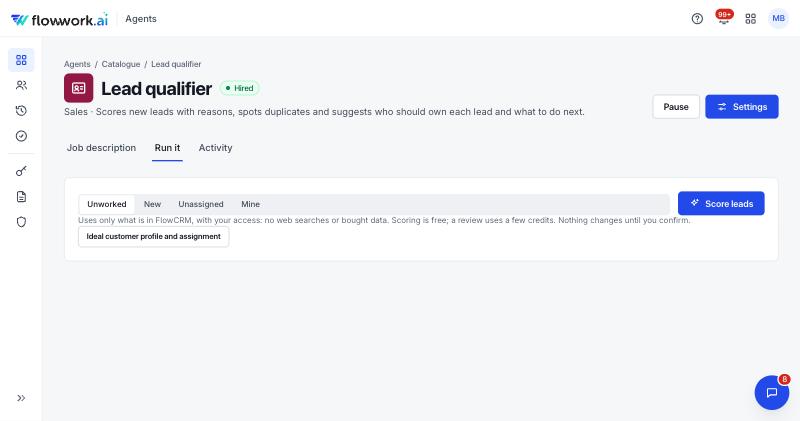
What it does
- Score: gives each lead a score out of 100 in four parts: fit with the profile of the product it wants (up to 40), what the lead told you (up to 30), engagement on its timeline (up to 20) and how reachable it is (up to 10). Each part lists its reasons, for example "Budget of ₹5,00,000 given" or "Personal email address".
- Rating: turns the score into Hot, Warm or Cold.
- Duplicates: looks for the same email, phone or company among your leads, contacts and companies, and whether they already have an open deal.
- Owner and next step: suggests an owner for an unassigned lead and one next step, such as "Call them within a day".
- Review: for one lead, writes a short summary, the main reasons, the next step and up to three questions to ask on the first call.
Read the full guide with your flowwork account
The rest of this page has the steps, screenshots and tips. Anyone at a company that uses flowwork can read every page, and ask the Help assistant about it.
Every step, in order Real screenshots The agents that help
New companies use flowwork free until 31 December 2026