
LearningCourses
Create a course
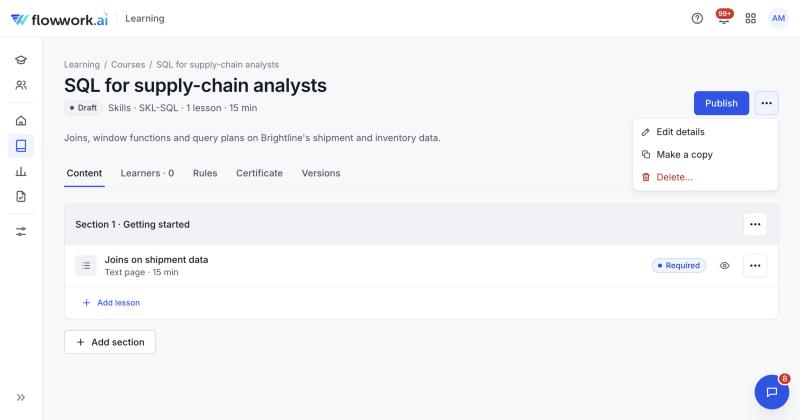
A course is a set of sections, and each section holds lessons: videos, PDFs, text pages, links and quizzes. You give the course a name first, then build its content on the course's Content tab. Everything you add is saved as a draft at once. Learners see nothing until you publish.
Before you start
- You need permission to manage courses.
- If you want a category, it must exist in Learning › Settings first. Your admin or anyone who can manage Learning settings adds it there.
- Have your videos and PDFs ready. See Lessons, videos and PDFs for sizes and types.
Create the course
- In Learning, select Courses, then New course.
- In Title, type the course name, for example "POSH awareness 2026".
- Optionally fill in What people will learn. Learners see it on the course page and in My learning.
- Optionally pick a Category.
- Optionally type a Code, for example "POSH-01". It is for your own lists.
- Select Create course.
Learning opens the new course on its Content tab, as a draft.
Read the full guide with your flowwork account
The rest of this page has the steps, screenshots and tips. Anyone at a company that uses flowwork can read every page, and ask the Help assistant about it.
Every step, in order Real screenshots The agents that help
New companies use flowwork free until 31 December 2026