
LearningCourses
Publish, versions, copy and archive
You build a course as a draft. Publishing turns the draft into a numbered version that people can be assigned. Later edits make a new draft, and publishing again makes the next version. People already on the course keep the version they were given.
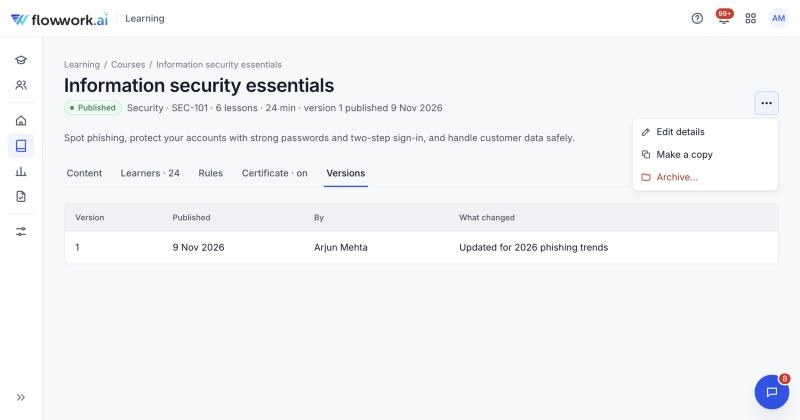
Before you start
- You need permission to manage courses.
- The course needs at least one lesson, at least one required lesson, and no empty section.
Publish a course for the first time
- Open the draft course.
- Select Publish.
- Optionally write What changed. It is kept with the version.
- Select Publish version 1.
The course moves to the Published tab, and you can now assign it. See Assign people to a course.
Read the full guide with your flowwork account
The rest of this page has the steps, screenshots and tips. Anyone at a company that uses flowwork can read every page, and ask the Help assistant about it.
Every step, in order Real screenshots The agents that help
New companies use flowwork free until 31 December 2026