
BooksBanking
Cheques and cheque printing
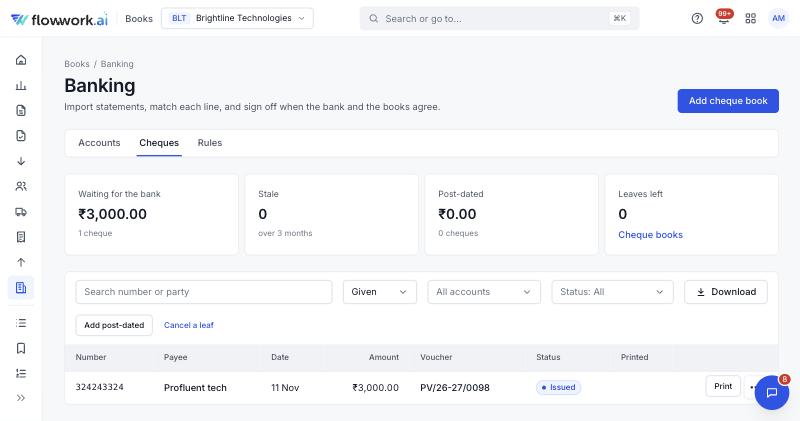
Banking › Cheques is the register of every cheque you gave and received: which are waiting for the bank, which are post-dated, which came back. It also keeps your cheque books, so every leaf is accounted for, and prints cheques on your bank's leaves.
Before you start
- Anyone who can see Banking can see the register.
- To add cheque books and post-dated cheques, release, return, stop or cancel cheques, you need Manage banking.
- To set up the cheque layout and print cheques, you need Approve payments. See Who can do what.
Where cheques come from
- A payment or advance to a vendor paid Cheque (see Payments). The number is held while the payment waits for approval, and the cheque is Issued when the payment is paid.
- A receipt from a customer by cheque.
- A post-dated cheque you add here.
A cheque shows Cleared only when it's matched to a bank statement line. See Reconcile a bank account.
Read the full guide with your flowwork account
The rest of this page has the steps, screenshots and tips. Anyone at a company that uses flowwork can read every page, and ask the Help assistant about it.
Every step, in order Real screenshots The agents that help
New companies use flowwork free until 31 December 2026