
Move in from Tally or Zoho Books
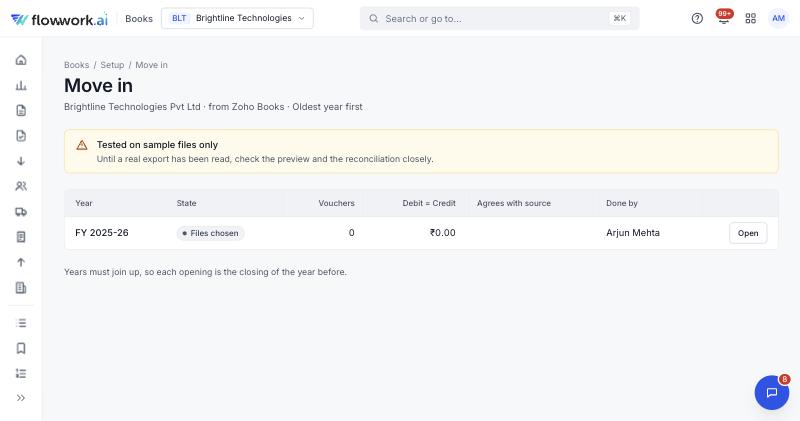
Move in brings past years of a company's books into Books from files you export from Tally (TallyPrime or Tally.ERP 9) or Zoho Books. You import one financial year at a time, oldest first, check a preview, confirm, and then check the result against the source's trial balance. Nothing is saved until you confirm, and an import can be undone while the books aren't in use yet.
It's an import of files, not a live link. Not everything comes across, and you need to check each year. This page says what moves and what stays behind.
Before you start
- Open it from Setup › Move in.
- Anyone who can read the books can see Move in and the results.
- To upload files, check the preview and confirm an import, you need Post journals or Manage books settings.
- To mark a year reconciled, undo an import, post closing stock and create open bills, you also need Post journals or Manage books settings.
- Someone with Load books file (audit access for loading a client's file) can upload, check and confirm only. See Loading a file with audit access.
- Uploading, mapping and reconciling need a computer. On a phone you can only follow progress.
- With several legal entities, the import goes into the entity picked at the top.
- Only one import runs at a time for a company.
What moves, and what stays behind
Comes across:
- groups, ledgers, parties (customers and vendors), items and cost centres,
- opening balances,
- every accounting voucher, marked with its source and its number in the source,
- bills still open at the last date you import (as open bills, if you create them).
Stays behind:
- invoice and bill documents of past years (their accounting vouchers come, not the documents),
- GST returns and e-invoices: they stay on the GST portal,
- stock quantities,
- vendor bank details: add them in Vendors, where they're approved.
Vouchers with errors can be left out, and you see each one and why before you confirm. Read the preview and the reconciliation before you rely on the figures.
Read the full guide with your flowwork account
The rest of this page has the steps, screenshots and tips. Anyone at a company that uses flowwork can read every page, and ask the Help assistant about it.