
ExpenseAgents in Expense
Expense policy checker
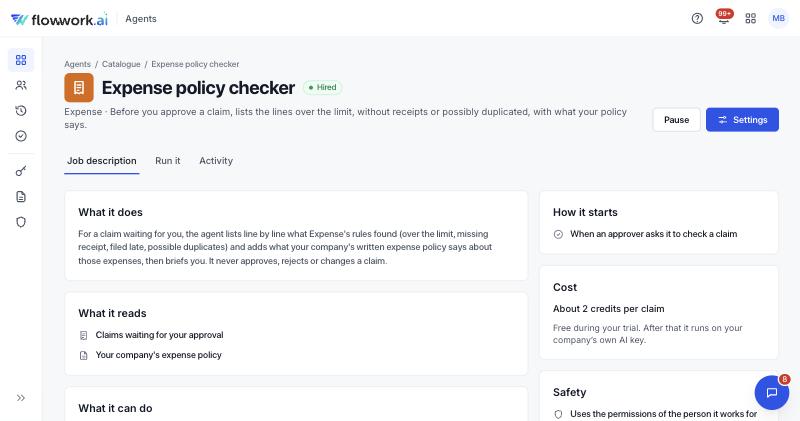
For approvers and Finance, before you decide on a claim. Pick a claim waiting for you, and the agent lists line by line what Expense's rules found: over the limit, no receipt, filed late, possible duplicates. It adds what your company's written expense policy says about those expenses, and writes a short brief. It only reads. You approve or reject in Expense.
What it reads
- The claim you pick, with its lines, receipts and the findings of Expense's own rules.
- Your company's written expense policy, when it is synced in Agents › Knowledge.
It reads the claim with your own login, so Expense decides whether you may see it. If you can't, you see "You can’t see this claim".
Read the full guide with your flowwork account
The rest of this page has the steps, screenshots and tips. Anyone at a company that uses flowwork can read every page, and ask the Help assistant about it.
Every step, in order Real screenshots The agents that help
New companies use flowwork free until 31 December 2026