
ExpenseAgents in Expense
Travel desk
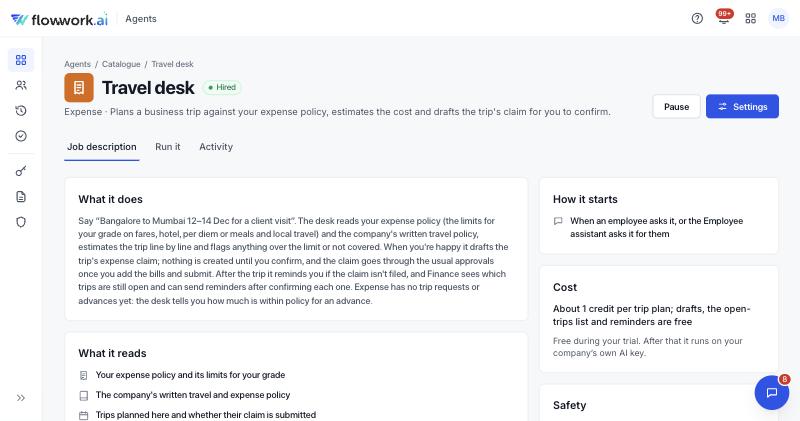
For anyone planning a business trip, and for Finance. Say where and when you're going, for example "Bangalore to Mumbai 12–14 Dec for a client visit". The Travel desk reads the limits for your grade in your expense policy, estimates the trip line by line and flags anything over the limit or not covered. When you're happy, it drafts the trip's expense claim, which is created only when you confirm. Finance sees trips that have ended whose claim isn't filed yet.
What it reads
- Your expense policy: its categories and the limits for your grade (per line, per day and per month).
- Your company's written travel or expense policy, when it is synced in Agents › Knowledge.
- Trips planned here and whether their claim is submitted.
It reads with your own login. An employee sees only their own trips.
Read the full guide with your flowwork account
The rest of this page has the steps, screenshots and tips. Anyone at a company that uses flowwork can read every page, and ask the Help assistant about it.
Every step, in order Real screenshots The agents that help
New companies use flowwork free until 31 December 2026