
ExpenseFinance
Pay approved claims
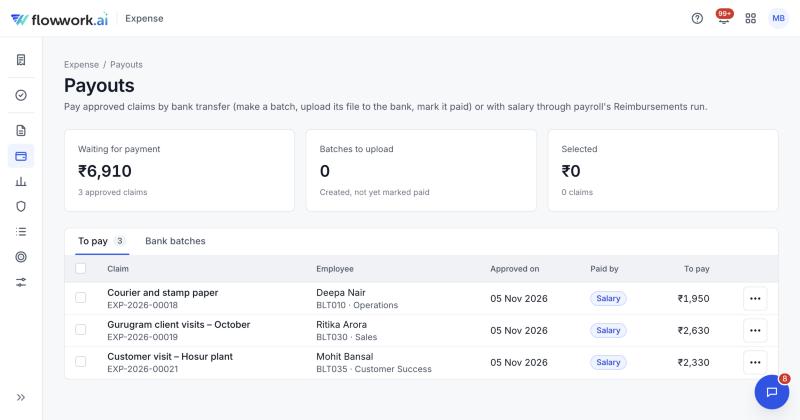
Admin › Payouts is where Finance pays approved claims. A claim is paid one of two ways:
- Bank transfer: you put claims in a bank batch, download a bulk payment file, upload it to your bank, and mark the batch paid.
- Salary: payroll pays the claim in a separate Reimbursements pay run.
Before you start
- You need the permission to process expense payouts.
- Employees need their bank account number and IFSC in People for a bank transfer.
- Your company's ways to pay, the default one, the bank file layout, the debit account and the transfer type are set in Admin › Settings › Payout. See Settings.
The figures at the top
- Waiting for payment: the total of approved claims not yet in a batch or pay run, and how many there are.
- Batches to upload: bank batches created but not yet marked paid.
- Selected: the total of the claims you've ticked.
Read the full guide with your flowwork account
The rest of this page has the steps, screenshots and tips. Anyone at a company that uses flowwork can read every page, and ask the Help assistant about it.
Every step, in order Real screenshots The agents that help
New companies use flowwork free until 31 December 2026