
ProcurementReceiving and matching
How bills are matched with orders and receipts
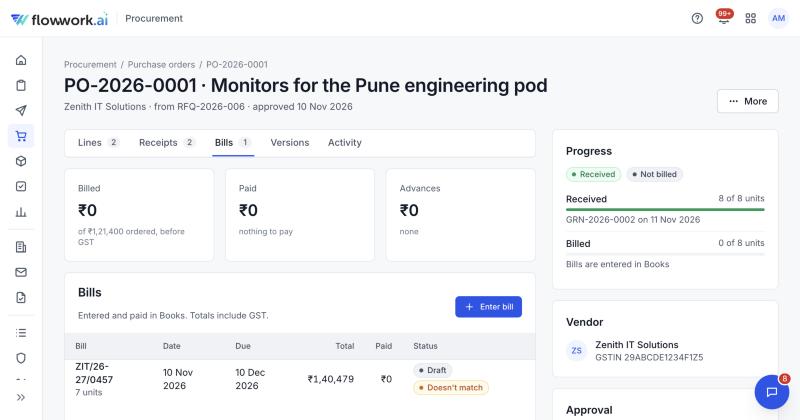
When a vendor's bill is entered in Books against a purchase order, Books checks it against the order and against what was received. This is the 3-way match: bill, purchase order and goods receipt. A bill that matches posts as usual. A bill that doesn't match is held until someone who approves payments accepts the difference.
Before you start
- Matching runs in Books, for bill lines taken from a purchase order (with Enter bill on the order, or From purchase order on a new bill). Lines typed without a PO aren't matched.
- To accept a difference you need Approve payments in Books.
- To change the matching settings you need Manage Books settings.
When the match runs
Books matches the bill every time it is saved as a draft, posted, or edited after posting. The result is stored on the bill:
- Matches the PO and receipts (green): quantities, rates and GST are within the order and what was received.
- This bill doesn't match the PO (amber): with the list of issues.
Read the full guide with your flowwork account
The rest of this page has the steps, screenshots and tips. Anyone at a company that uses flowwork can read every page, and ask the Help assistant about it.
Every step, in order Real screenshots The agents that help
New companies use flowwork free until 31 December 2026