
ProcurementVendor portal
Sign in to the vendor portal and fill in your profile
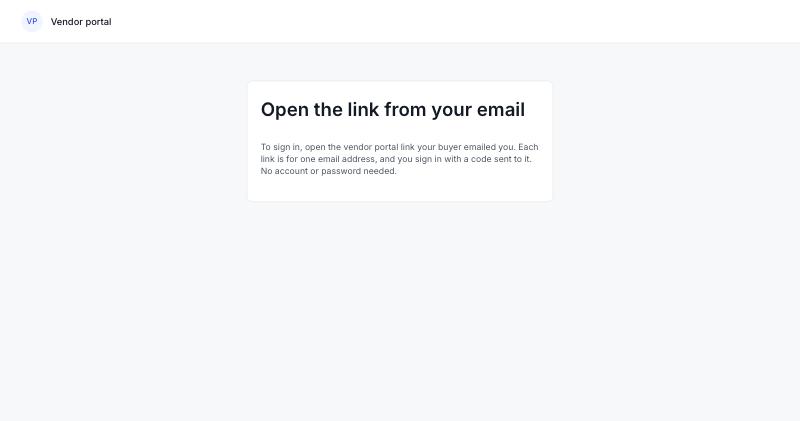
The vendor portal is where a company's suppliers fill in their own details, answer requests for quotes, acknowledge purchase orders and send invoices. There's no account or password: you open the link the buyer emailed you and type a 6-digit code sent to the same email. This page is for vendors, and for the buyer's staff who help them.
Before you start
- You need the email from the buyer with the vendor portal link. It's sent when they invite you, send you a portal link, ask you for a quote, or send you a purchase order.
- Each link is for one email address. The codes go to that address, so only people who can read that inbox can sign in.
- A link works for 30 days. After that, ask your contact at the buyer for a new one.
Steps: sign in
- Open the link in the email. The portal opens and emails you a 6-digit code at once.
- Type the Code from the latest email and select Continue.
- If the code didn't come, wait 30 seconds and select Send a new code.
If you open the portal again later in the same browser tab, select Email me a code to get a new code.
Read the full guide with your flowwork account
The rest of this page has the steps, screenshots and tips. Anyone at a company that uses flowwork can read every page, and ask the Help assistant about it.
Every step, in order Real screenshots The agents that help
New companies use flowwork free until 31 December 2026