
Document checker
For HR. When a new joiner submits a document step in the candidate portal, it reads each uploaded file and checks that it is the right document and that the name, date of birth and the numbers they typed (PAN, Aadhaar, account number and so on) match what is printed. It drafts your review: approve, or send the step back with the fields to correct. You confirm.
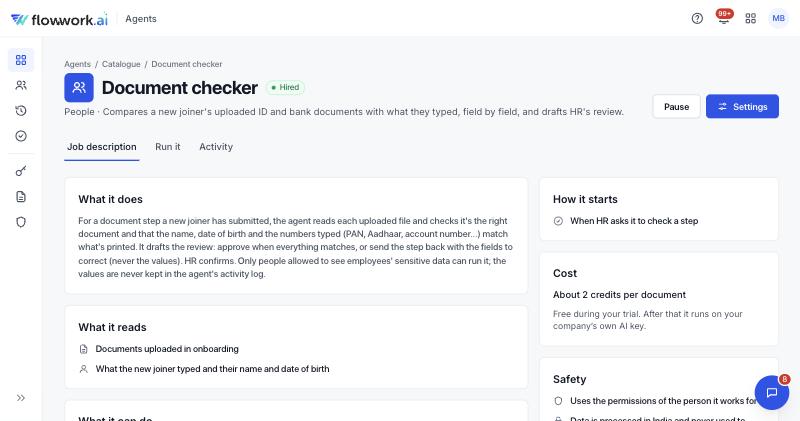
What it does
For one submitted document step, it reads:
- each uploaded document: up to 4 documents, 2 files per document and 2 pages per file (PDF, PNG, JPEG or WEBP, up to 10 MB)
- the values the new joiner typed for each document
- the new joiner's name and date of birth from their onboarding profile
For every typed value, plus the name and date of birth, it shows what is on the document and a result: Matches, Doesn't match, Not readable or Not checked. It also notes problems such as an expired document, a missing page, a blurred image, or a file that isn't the document asked for.
The overall result is:
| Result | Meaning | Drafted review |
|---|---|---|
| Everything matches | Right documents, every field matches | Approve, with "Thank you, your documents are verified." |
| Details to correct | A field doesn't match, or a file is the wrong document | Send back, naming the documents and fields to fix (never the values) |
| Check by hand | Nothing looks wrong, but something couldn't be read | No draft: you review the step yourself |
Read the full guide with your flowwork account
The rest of this page has the steps, screenshots and tips. Anyone at a company that uses flowwork can read every page, and ask the Help assistant about it.