
PeopleOnboarding, offboarding and contracts
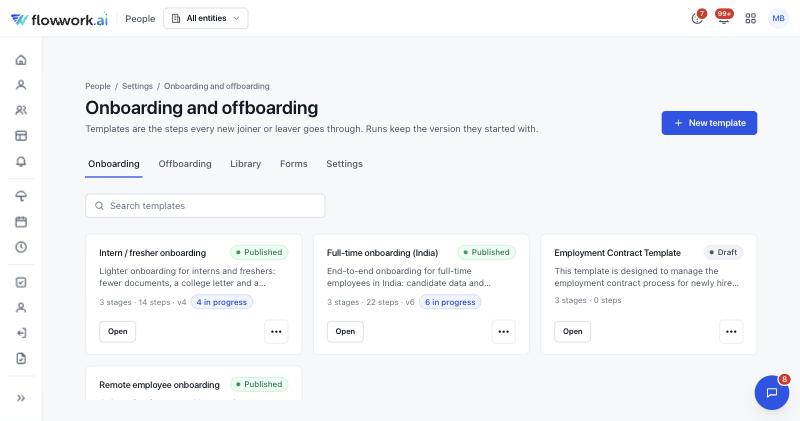
Onboarding and offboarding templates
Templates are the plans every new joiner or leaver goes through: stages, steps, who does each step and when. You set them up in Settings › Onboarding and offboarding. The same page holds the template library, your custom forms and the settings for emails, the candidate portal and offboarding.
Before you start
- For onboarding templates you need manage onboarding templates. For offboarding templates and settings you need manage employee offboarding. See Who can see what.
- To reach Settings from the side menu you also need access to settings.
- Each tab shows only what you may manage: Onboarding, Offboarding, Library, Forms and Settings.
Start from the library
The Library tab has ready-made templates: Standard onboarding (India), Remote employee onboarding, Intern / fresher onboarding and Standard offboarding (India).
- Open Library and choose Onboarding or Offboarding.
- Select Preview to look at one, or Use this template.
- Change the Name if you like and select Add draft copy.
- The copy opens in the editor as a draft. Adjust it and publish it.
Library templates themselves can't be changed.
Read the full guide with your flowwork account
The rest of this page has the steps, screenshots and tips. Anyone at a company that uses flowwork can read every page, and ask the Help assistant about it.
Every step, in order Real screenshots The agents that help
New companies use flowwork free until 31 December 2026