
PeopleEmployees
Announcements
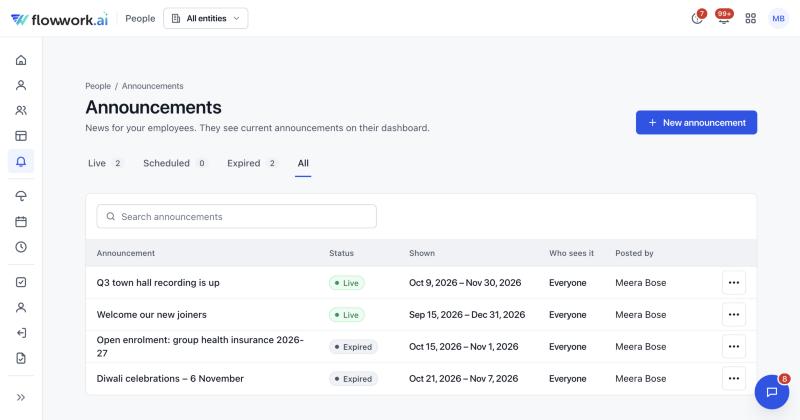
People › Announcements is where HR posts news for employees: a title, a message, the dates it shows and, if you like, the departments it's for. Everyone can read the list.
Before you start
- Everyone can open Announcements and read them.
- Posting, editing and deleting need the matching announcement permission (create, update, delete, or manage for all three). See Who can see what.
Find an announcement
- Go to People › Announcements.
- Pick a tab: Live, Scheduled, Expired or All. The tabs show how many each has.
- Type in Search announcements to find one by its words.
Each row shows the Announcement title, its Status, when it's Shown, Who sees it (the departments, or Everyone) and who Posted by. Select the title to read it.
Read the full guide with your flowwork account
The rest of this page has the steps, screenshots and tips. Anyone at a company that uses flowwork can read every page, and ask the Help assistant about it.
Every step, in order Real screenshots The agents that help
New companies use flowwork free until 31 December 2026