
PeopleLeave and holidays
My leave and balances
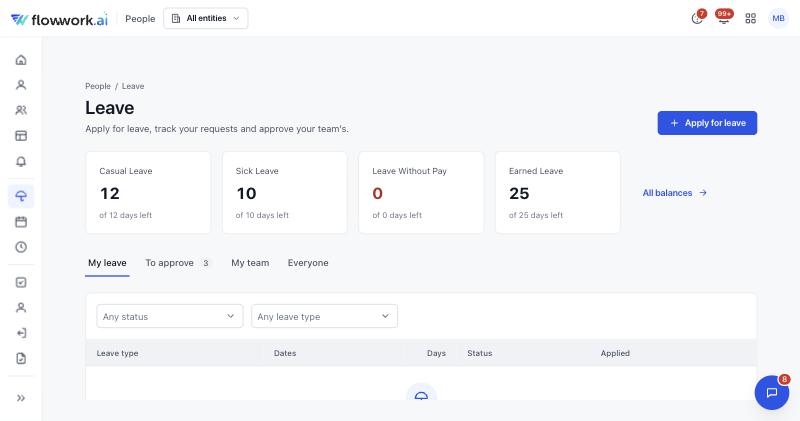
My leave lists every leave request you've made, newest first, with its status. Above it are your balances: how many days you have left of each leave type.
Before you start
- Your sign-in must be linked to your employee record in People. If it isn't, you see "You don't have access to leave".
- Balances appear once HR has given you leave types with a fixed number of days. See Leave assignments.
See your balances
- Go to People › Leave. My leave opens first.
- The cards at the top show up to four leave types: the days left, "of" the days credited.
- Select All balances to see every type.
Leave balances shows, for each leave type:
- Credited: everything credited this leave year, including carried-forward and adjusted days.
- Used: leave taken.
- Pending: leave waiting for approval.
- Left: what you can still use.
Leave types without a fixed balance, such as maternity leave or loss of pay, are listed below with As needed. If a type limits how often it can be taken, Left says how many times are left, for example "1 of 2 times".
From the panel, select Apply for leave to start a request.
Read the full guide with your flowwork account
The rest of this page has the steps, screenshots and tips. Anyone at a company that uses flowwork can read every page, and ask the Help assistant about it.
Every step, in order Real screenshots The agents that help
New companies use flowwork free until 31 December 2026