
PeopleLeave and holidays
Team and everyone's leave
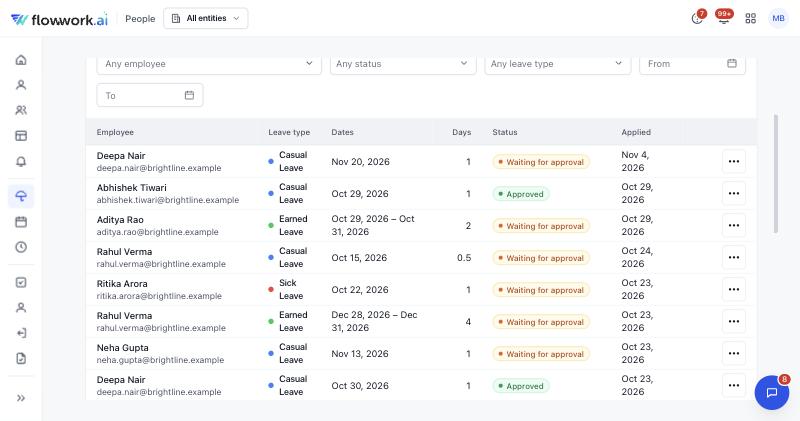
Managers see their team's leave on the My team tab. HR sees the whole company's on Everyone. Both tabs filter by person, status, leave type and dates, and export to a CSV file.
Before you start
- My team shows when people report to you in People, directly or through your reports (up to five levels down).
- Everyone needs the permission to see everyone's leave applications. See Who can see what.
- HR without an employee record of their own sees only Everyone.
See your team's leave
- Go to People › Leave.
- Select My team. On a phone, choose it under Show.
- Filter by Employee, Status, Leave type, and From and To dates. Leave that overlaps the dates is shown.
- Select a name to open the request.
Read the full guide with your flowwork account
The rest of this page has the steps, screenshots and tips. Anyone at a company that uses flowwork can read every page, and ask the Help assistant about it.
Every step, in order Real screenshots The agents that help
New companies use flowwork free until 31 December 2026