
PeopleAgents in People
Manager briefing
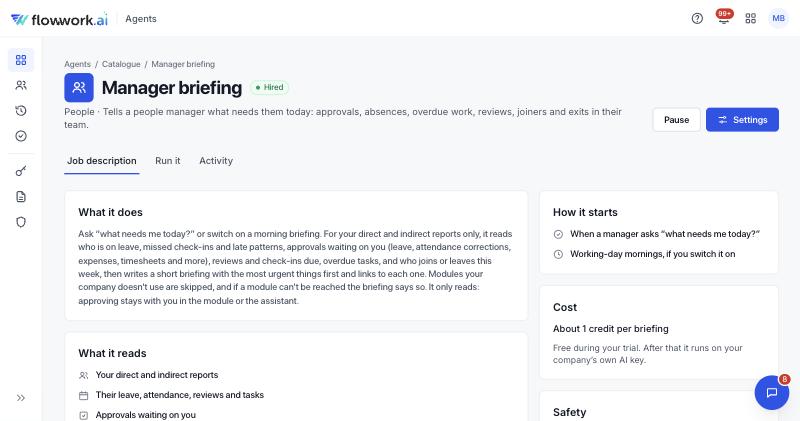
For people managers. Ask "what needs me today?" and it lists what concerns your team: approvals waiting on you, who is absent or often late, reviews due, who is on leave, and who joins or leaves. The most urgent things come first, each with a link. You can also have it every working morning. It only reads: approving stays with you.
What it does
It finds your team in People: your direct reports, their reports, and so on down. Then, with your own login, it reads each module your company uses:
| Section | What it shows |
|---|---|
| Waiting on you | Your team's leave requests, attendance corrections, expense claims, timesheets and pay items you can approve, and offers or job requisitions waiting on you in Recruit |
| Attendance | Who is absent today, who hasn't checked in by 11:00 and isn't on leave, and who was late 3 or more times in the last 7 days |
| Reviews due | Reviews and peer approvals due or overdue in Performance |
| On leave | Who is on approved leave in the period |
| Joining | Who joins in the period, with how far their onboarding is |
| Leaving | Whose last working day falls in the period |
Each line opens the item in flowwork. The AI model writes a short briefing on top.
Read the full guide with your flowwork account
The rest of this page has the steps, screenshots and tips. Anyone at a company that uses flowwork can read every page, and ask the Help assistant about it.
Every step, in order Real screenshots The agents that help
New companies use flowwork free until 31 December 2026