
PeopleLeave and holidays
Leave periods
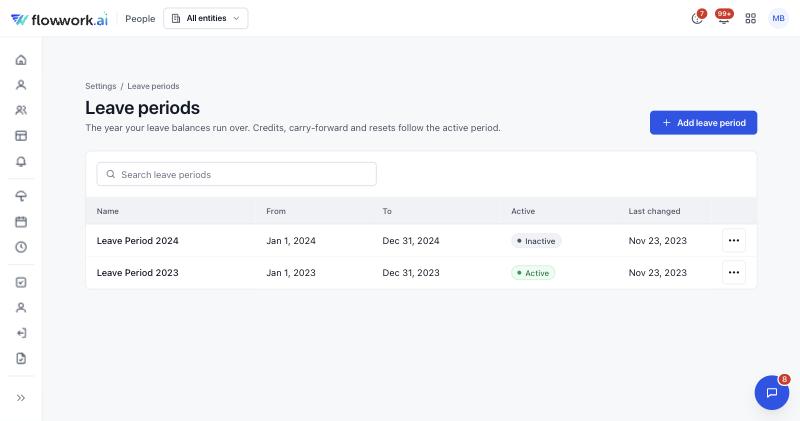
A leave period is a named stretch of time, such as "2026–27" from 1 April to 31 March. You can keep a list of them and mark one as active. Today they are a record only: credits, resets and balances follow each leave type's own credit and reset settings, not the leave period.
Before you start
You need the permission to manage leave periods. See Who can see what.
Add a leave period
- Go to People › Settings and select Leave period.
- Select Add leave period.
- Enter the Name, for example "2026–27", and the From and To dates.
- Turn on Active if it's the current one.
- Select Add leave period.
A new period can't overlap a period that is already active. You see "There is an active leave period already exists".
Read the full guide with your flowwork account
The rest of this page has the steps, screenshots and tips. Anyone at a company that uses flowwork can read every page, and ask the Help assistant about it.
Every step, in order Real screenshots The agents that help
New companies use flowwork free until 31 December 2026