
PeopleEmployees
Employee profile
An employee's profile holds everything People knows about them, in tabs: job, pay, personal details, family, background, documents, bank, exit and history. What you see and can change depends on your permissions and on whether it's your own profile.
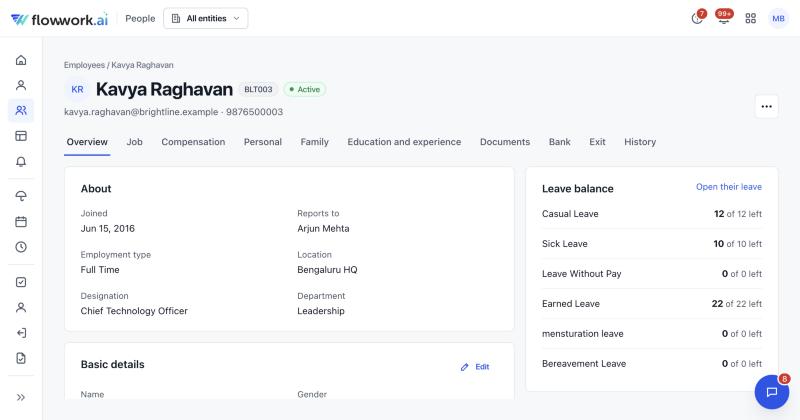
Open a profile
- From People › Employees, select a name. See Find employees.
- From the Org chart, select a person and then Open profile. See Org chart.
- Your own profile: My profile in the side menu. See My profile.
The tab you're on is part of the page address (for example ?tab=job), so you can share a link to a tab.
Read the full guide with your flowwork account
The rest of this page has the steps, screenshots and tips. Anyone at a company that uses flowwork can read every page, and ask the Help assistant about it.
Every step, in order Real screenshots The agents that help
New companies use flowwork free until 31 December 2026