
Onboarding chaser
For HR. It goes through the active onboardings and offboardings you can see and lists the steps that are stuck. It writes a short brief of who to chase first and drafts a reminder for each step whose owner should act. A reminder goes only when you confirm it.
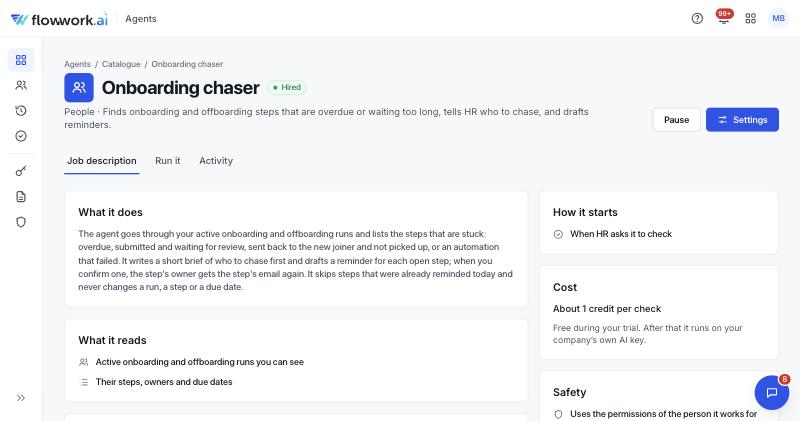
What it does
It reads up to 40 active onboarding and offboarding runs, with your login, and each run's steps, owners and due dates. A step counts as stuck when:
| Shown as | When |
|---|---|
| Overdue | The step is open and its due date has passed |
| Waiting for review | The new joiner or owner submitted it 2 or more days ago and nobody has reviewed it |
| Sent back | It was sent back for changes 3 or more days ago and not submitted again |
| Automation failed | An automatic step failed and needs HR |
For each stuck step you see the person joining or leaving and their date, the step and its stage, who it is waiting on (the candidate, the manager, the buddy, the IT, admin, finance or HR team, the assigned people, or the HR reviewer), how many days, and when the last reminder went.
Read the full guide with your flowwork account
The rest of this page has the steps, screenshots and tips. Anyone at a company that uses flowwork can read every page, and ask the Help assistant about it.