
PeopleLeave and holidays
Set up leave types
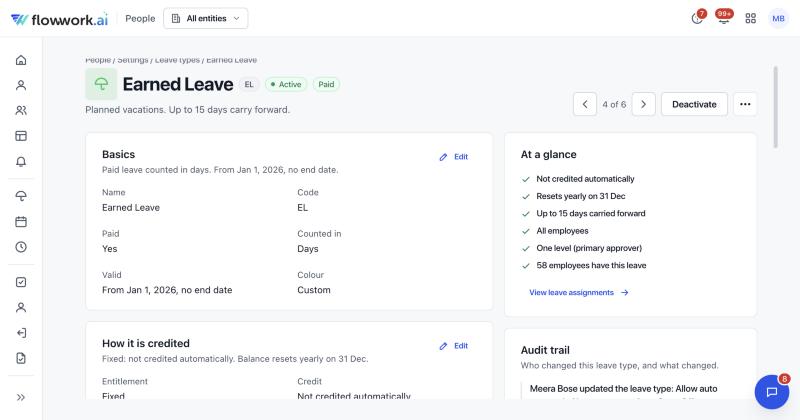
A leave type is a kind of leave your company offers, such as Casual, Sick, Earned or Maternity leave. It says whether it's paid, how days are credited and reset, who gets it, the rules for applying and who approves. Add one with a step-by-step form, then change any part of it later from its page.
Before you start
- You need the permission to manage leave types. See Who can see what.
- Decide first: is it Fixed (a set number of days credited on a schedule, with a balance) or Flexible (no balance; taken as needed within limits, such as maternity or loss of pay)?
Find leave types
- Go to People › Settings and select Leave types.
- Use Active, Inactive or All. Search by name or code, and filter by Paid and Entitlement.
Each row shows whether it's paid, How it is credited, Carry forward · Encash, Who gets it and the status.
Read the full guide with your flowwork account
The rest of this page has the steps, screenshots and tips. Anyone at a company that uses flowwork can read every page, and ask the Help assistant about it.
Every step, in order Real screenshots The agents that help
New companies use flowwork free until 31 December 2026