
PeopleSettings
Naming series (employee numbers)
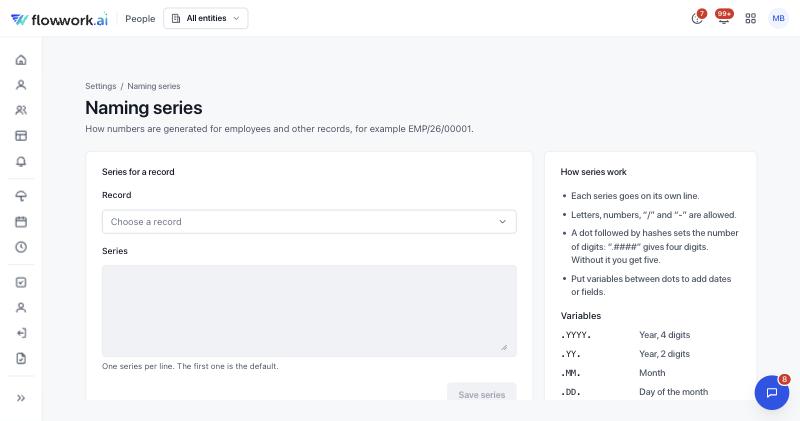
A naming series is a pattern for employee numbers, such as BL/26/00001. When you add an employee, People suggests the next number in the series. Here you set up the patterns.
Before you start
- You need Access settings. See Who can do what.
- Go to People › Settings › Naming series.
How a series is written
- Letters, numbers, / and - are kept as they are.
- A dot followed by hashes is the running number: .#### gives four digits. A series without hashes gets five digits.
- Put a variable between dots to add a date: .YYYY. (year, 4 digits), .YY. (year, 2 digits), .MM. (month), .DD. (day of the month).
- Example: BL/.YY./.##### gives BL/26/00001, BL/26/00002 and so on.
The How series work card on the page repeats these rules.
Read the full guide with your flowwork account
The rest of this page has the steps, screenshots and tips. Anyone at a company that uses flowwork can read every page, and ask the Help assistant about it.
Every step, in order Real screenshots The agents that help
New companies use flowwork free until 31 December 2026