
PayrollMy pay
See and download my payslips
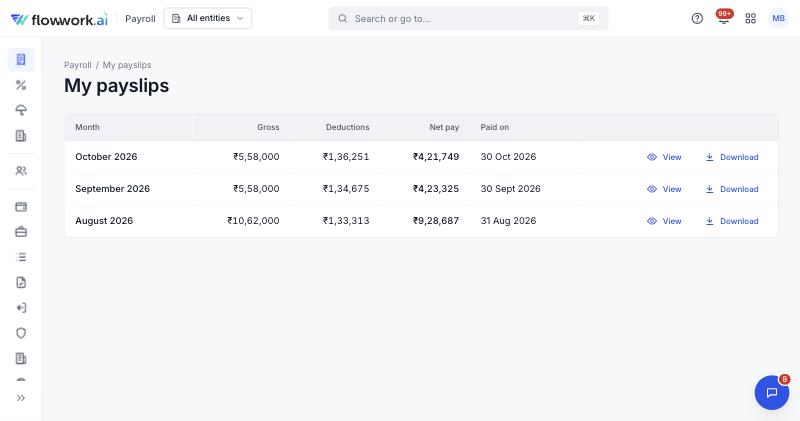
My payslips lists your payslips, newest first, with the gross, deductions and net pay of each month. You can open any of them or download it as a PDF.
Before you start
- Every employee can open My payslips; no payroll permission is needed.
- Your sign-in must be linked to your employee record in People. If it isn't, you see "Your account isn't linked to an employee". Ask HR.
Steps
- In Payroll, go to Me › My payslips.
- On a month's row, select View to open the payslip, or Download to save the PDF.
Read the full guide with your flowwork account
The rest of this page has the steps, screenshots and tips. Anyone at a company that uses flowwork can read every page, and ask the Help assistant about it.
Every step, in order Real screenshots The agents that help
New companies use flowwork free until 31 December 2026