
PayrollStart here
What Payroll does, and the menu
Payroll pays your company's salaries in India. It works out each employee's monthly pay from their salary structure, takes off PF, ESI, professional tax, labour welfare fund and income tax (TDS), makes the bank files, and sends payslips. It also handles full and final settlements of leavers, group insurance, investment proofs and the statutory returns.
Employees use the same app to see their own payslips, tax, insurance and PF. Managers use it to request and approve one-time pay items for their team.
Before you start
- Open Payroll from the app launcher (the grid at the top). It's called Payroll.
- Payroll reads employees from People: names, employee numbers, joining and leaving dates, departments, work locations, managers, bank details and leave. Keep People up to date first.
- What you see depends on your permissions. See Who can do what.
Where Payroll opens
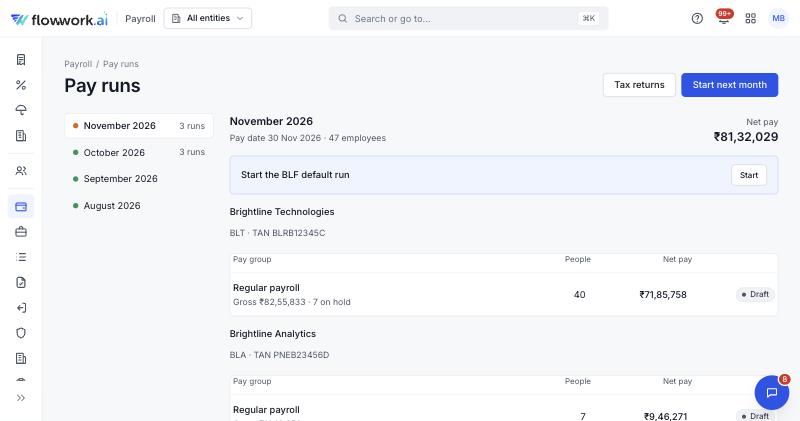
- If you have any payroll permission, Payroll opens on Pay runs.
- If you don't, it opens on My payslips.
Read the full guide with your flowwork account
The rest of this page has the steps, screenshots and tips. Anyone at a company that uses flowwork can read every page, and ask the Help assistant about it.
Every step, in order Real screenshots The agents that help
New companies use flowwork free until 31 December 2026