
PayrollSetup
Set the pay schedule
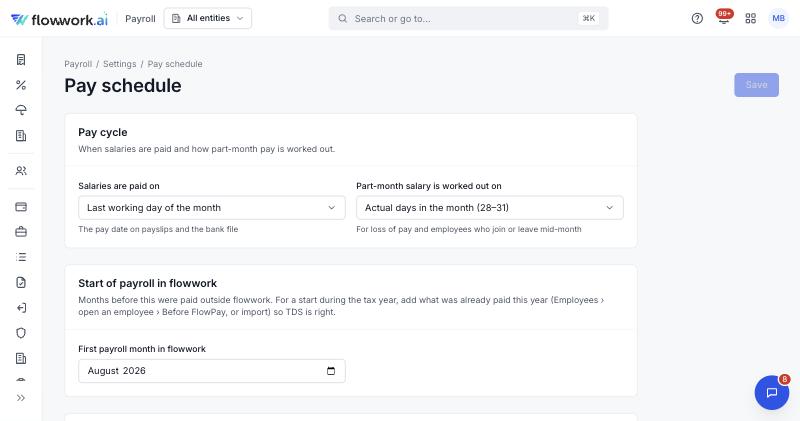
Pay schedule holds the company-wide rules of your payroll: when salaries are paid, how part-month pay is worked out, who approves, how payslips are protected, and the defaults for full and final settlements. Set it once when you start, and come back when a policy changes.
Before you start
- You need Manage payroll settings to change this page. Others with a payroll permission see it read-only.
- Go to Settings › Pay schedule and tax.
Steps
- Change the sections you need (described below).
- Select Save at the top of the page. You see Pay schedule saved.
- The Payment safety checks card at the bottom has its own Save checks button.
Read the full guide with your flowwork account
The rest of this page has the steps, screenshots and tips. Anyone at a company that uses flowwork can read every page, and ask the Help assistant about it.
Every step, in order Real screenshots The agents that help
New companies use flowwork free until 31 December 2026